Post Atelier
Join waitlist
01

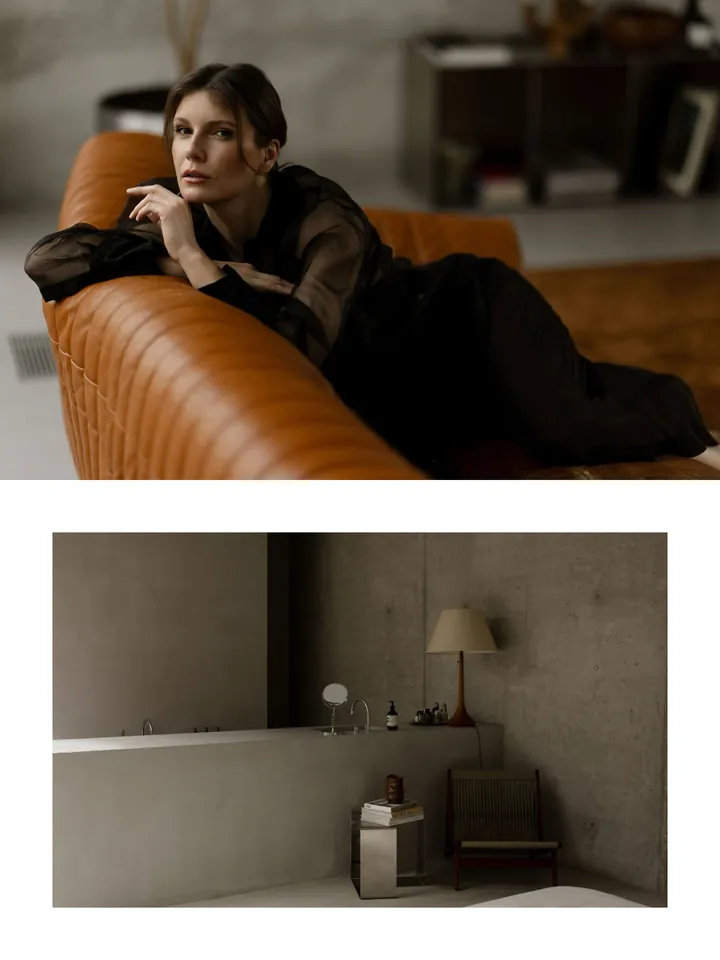
Turn your shoots into carousels worth posting

For anyone who shoots more photos than they ever share.
02

Compose with intent

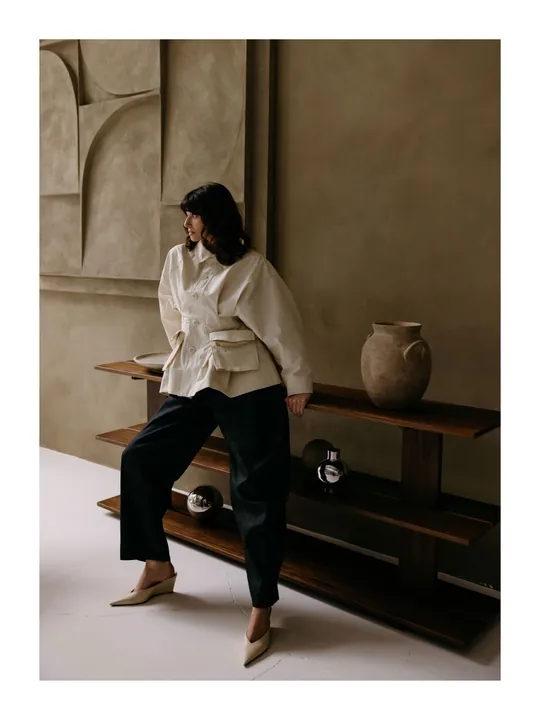
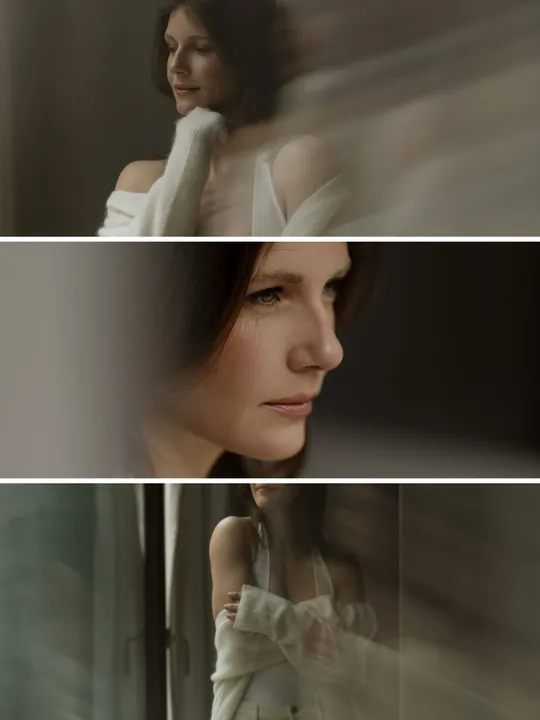
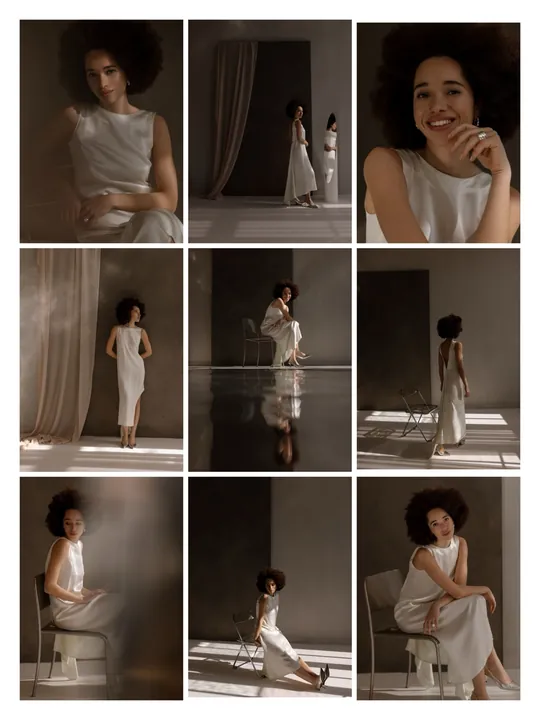
Choose a layout, position each photo, and refine the composition frame by frame. From spacing to crop, every detail stays in your control.


03

Your whole shoot, finally organized

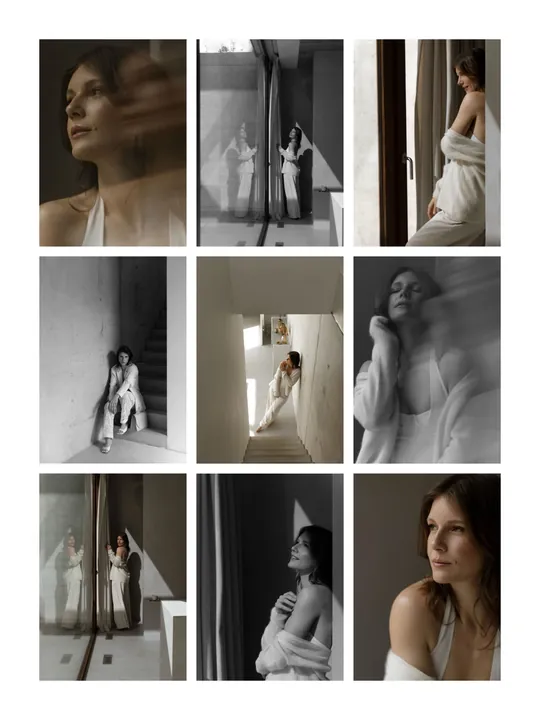
See exactly which photos are already in a post. Filter by used/unused, horizontal/vertical, and color/black and white. Organize the shoot with color tags, and find the next shot without searching through the whole gallery.

UnusedUsed
ColorBlack & white
HorizontalVertical
Used
Used
Used
Used
Used
Used
Used
Used


Used


Used

Used

Used


Join waitlist
04

Make every post recognizably yours

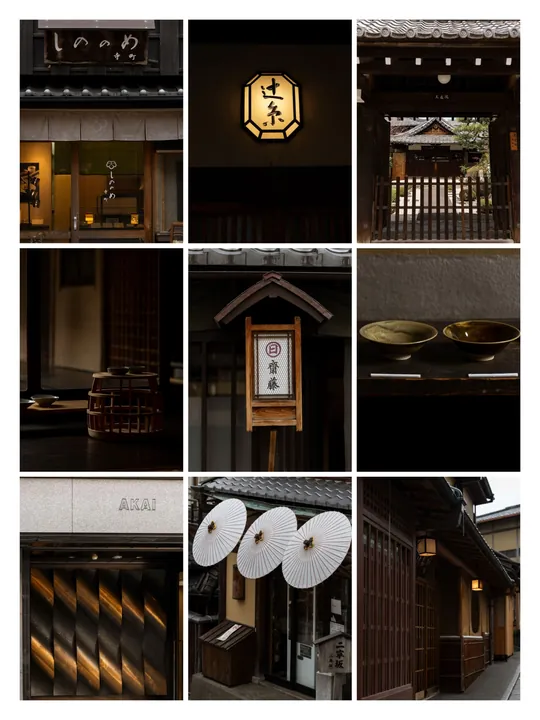
Drop text on any slide, then make it yours: your font, your color, your size, your logo, your style.

48 hours in
KYOTO
Modern
Memoir
Fashion
Glamour
Statement
Journal
Signature
05

See your grid before it's live

Set each post cover, reorder the grid, and know how your whole feed will look before anyone else sees it.

To do
To post
Join waitlist
06

One shoot, many posts

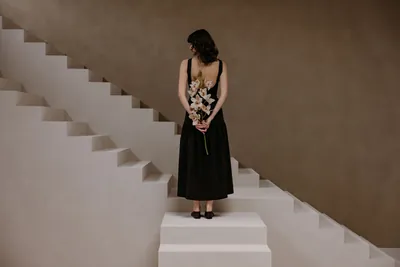
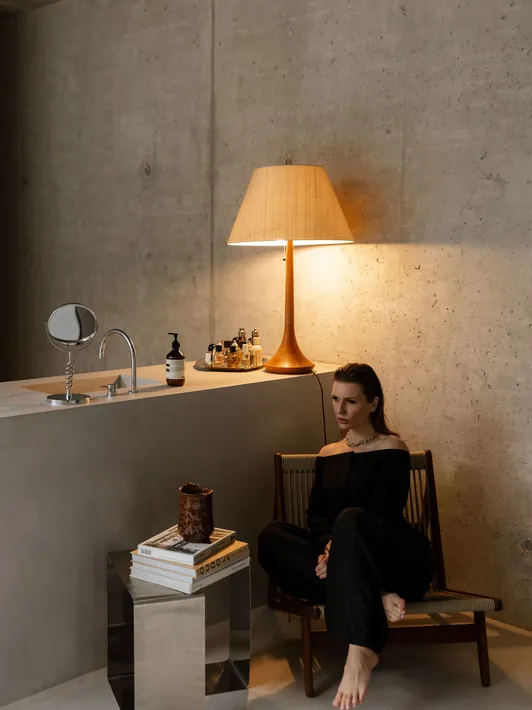
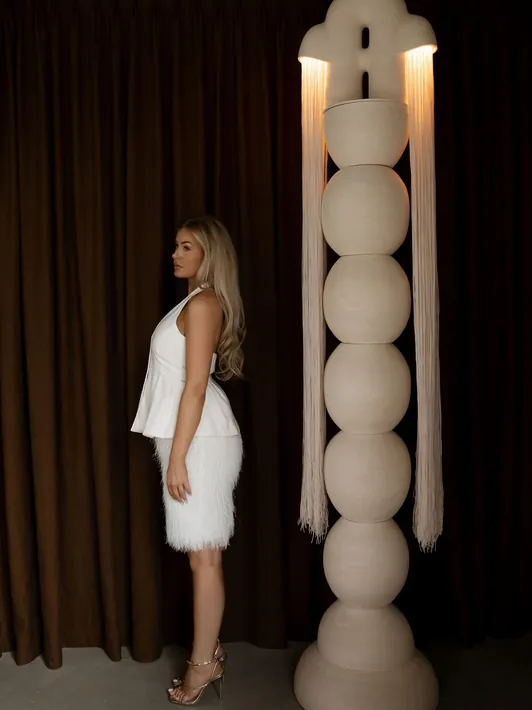
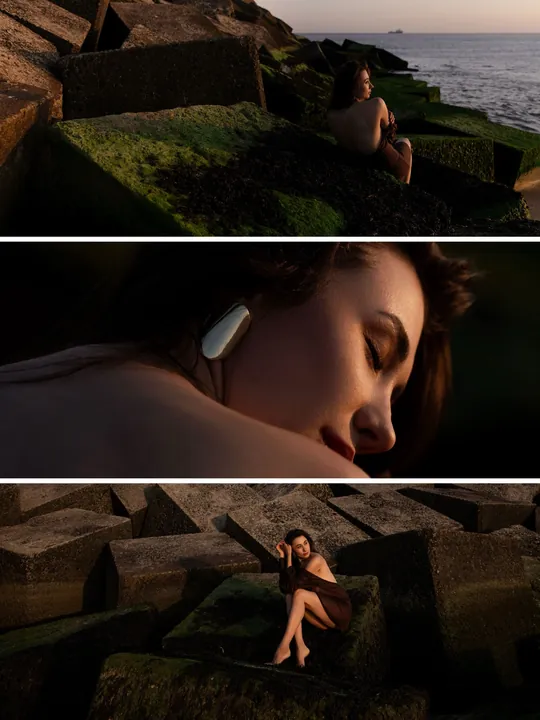
Turn one photo collection into a whole series of carousel posts.

07

What others say

Not our words. Theirs.

My grid finally looks like a real gallery!

My grid looks curated and intentional now, like I'm choosing exactly what to show. It's the reason I feel like an artist again, not just someone with a camera.

I finally use every photo I actually shoot!

(Almost) every photo I shoot gets used now, not just a handful of favorites. Post Atelier makes it so easy to go back through my best work that nothing beautiful goes to waste anymore.
Post Atelier replaced 3 apps for me

I used to have to keep switching back and forth between three different apps just to finish a single carousel. Now I can do everything in one place, and the posts finally look like the coffee-table book I always imagined while working.

Making carousels has never been faster

I can post 10 times more than before. It used to take forever to create a post I was happy with. Now it's done in a flash. Since every post gets customers to reach out, this is truly a game-changer for my business!

This app has made me actually enjoy creating posts!

I actually love making posts with Post Atelier. It feels like a game, like solving a fun little puzzle every time. Everything about it just clicks, and I look forward to it.

I'm saving 3.5 hours per post!

This app makes creating posts super smooth! It used to take me 3 to 4 hours to create a post. Now it takes me 10 minutes. Absolutely great!
Join waitlist

FAQ

No. Post Atelier is for anyone who works with photo content and wants to turn it into carousel posts.
Your photos and projects stay on your device. Post Atelier works offline, with no account and no ads. We never see or upload your work.
No. There is no login and no account of any kind, and Post Atelier never connects to your social profiles. You compose your posts in the app, export them, and share them yourself wherever you post.
Import from your photo library or the Files app, or share photos straight in from another app. Tip: create an album in the Photos app first, then in Post Atelier you can navigate straight to that album, select all, and import in one go.

Design your carousel, export it to your phone, then share it from there to any social app. We recommend exporting first rather than sharing directly from Post Atelier, because the receiving app can resize or reshape your post in ways we can't control.
Every slide exports as a high-quality JPEG at 1920 pixels on its longest side, more than feeds display, so it stays sharp and ready to post. What you see in the editor is what you get.
Not yet. Post Atelier is currently iPhone only.

If you set up your new iPhone using Apple's standard transfer (Quick Start, or restoring from a backup), your projects and settings come across automatically along with the app itself, with no extra steps needed on your end. You can also save everything to a single backup file in Settings, under Data, and restore it on any iPhone.
Start with a 7-day free trial. After that it is a subscription, billed monthly or yearly, with the price shown in your local currency in the App Store. Cancel anytime from your Apple ID settings.
Yes. Whether you're on the monthly or yearly plan, you can cancel whenever you like from your Apple ID settings. You'll keep access until the end of your current billing period. No extra steps, no contact needed.
Yes. One subscription unlocks everything: no extra packages, no features locked behind another paywall.
Anything you've exported already lives outside the app, so it's still yours. The app itself is paid, so without a subscription you can't use it. Resubscribe anytime and pick up right where you left off. Just keep in mind your projects only exist on your device, so if you delete the app, you delete them too. Back up anything you want to keep before removing it.

Made with

Post Atelier